
Modification LK.bin to erease Orange state and confirmation boot
Bypass Confirmation Boot
Tool necessary : Ghidra
Download and install here : https://github.com/NationalSecurityAgency/ghidra
Open file lk.bin in Ghidra
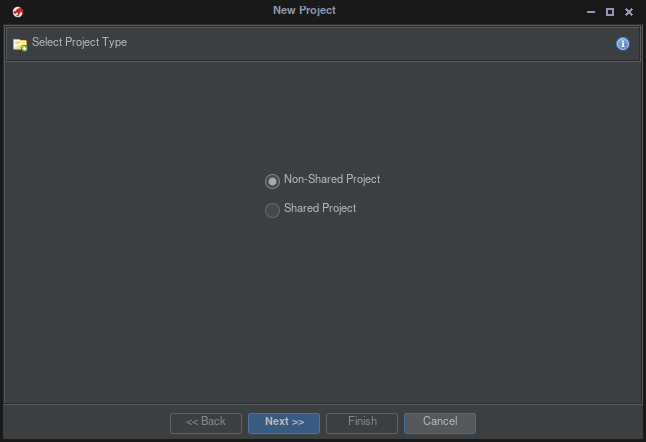
- File --> new project
- Non-Shared Project --> Next
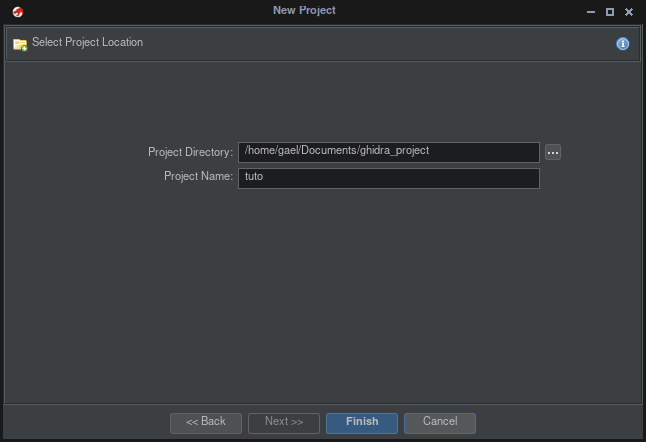
- Give a name to your project --> Next
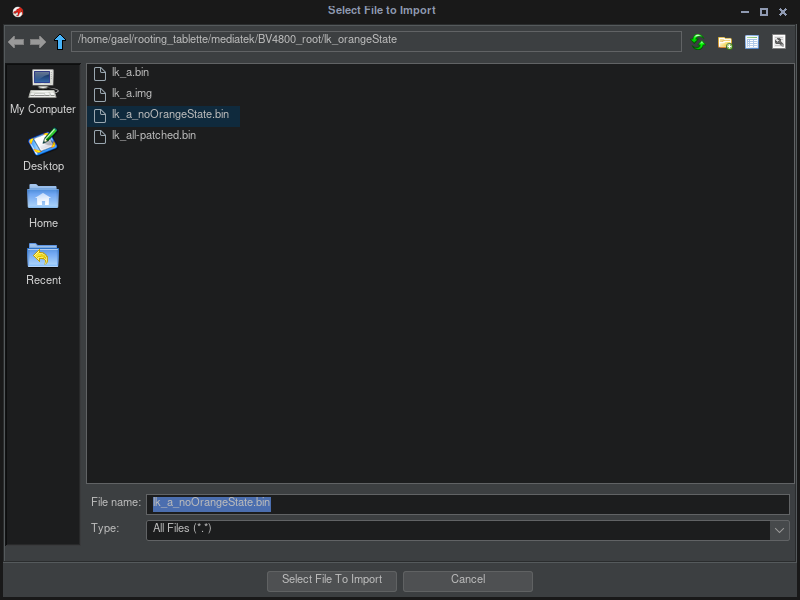
- File --> import File
- Import File lk.bin you want patch
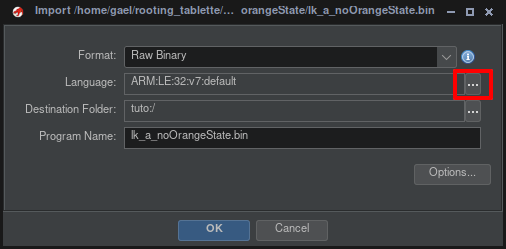
- Select Langage --> ARM v6
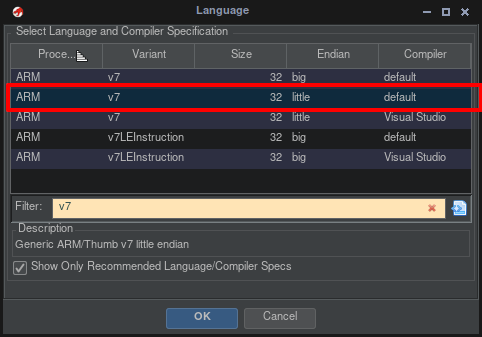
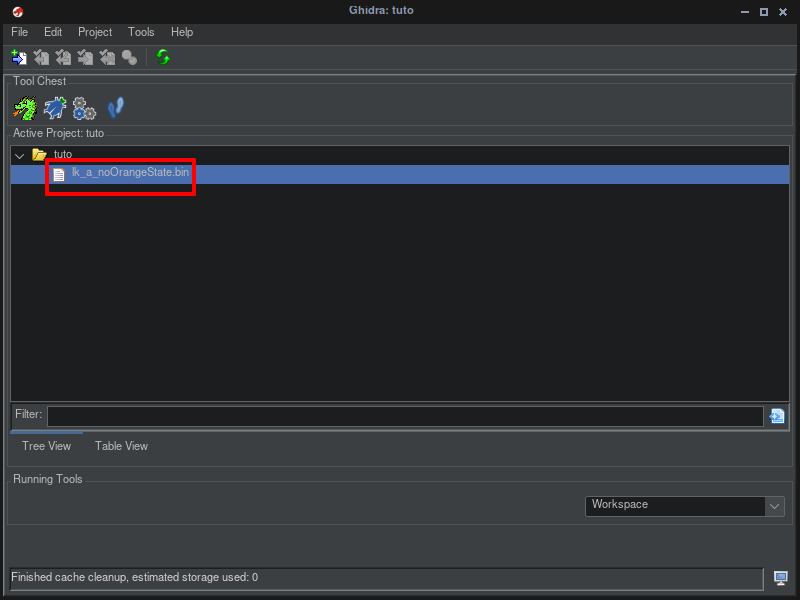
- Double click on file
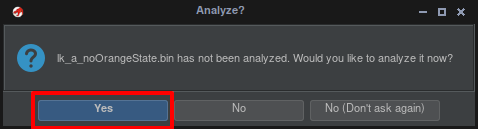
- respond yes to analyzed
- We will get
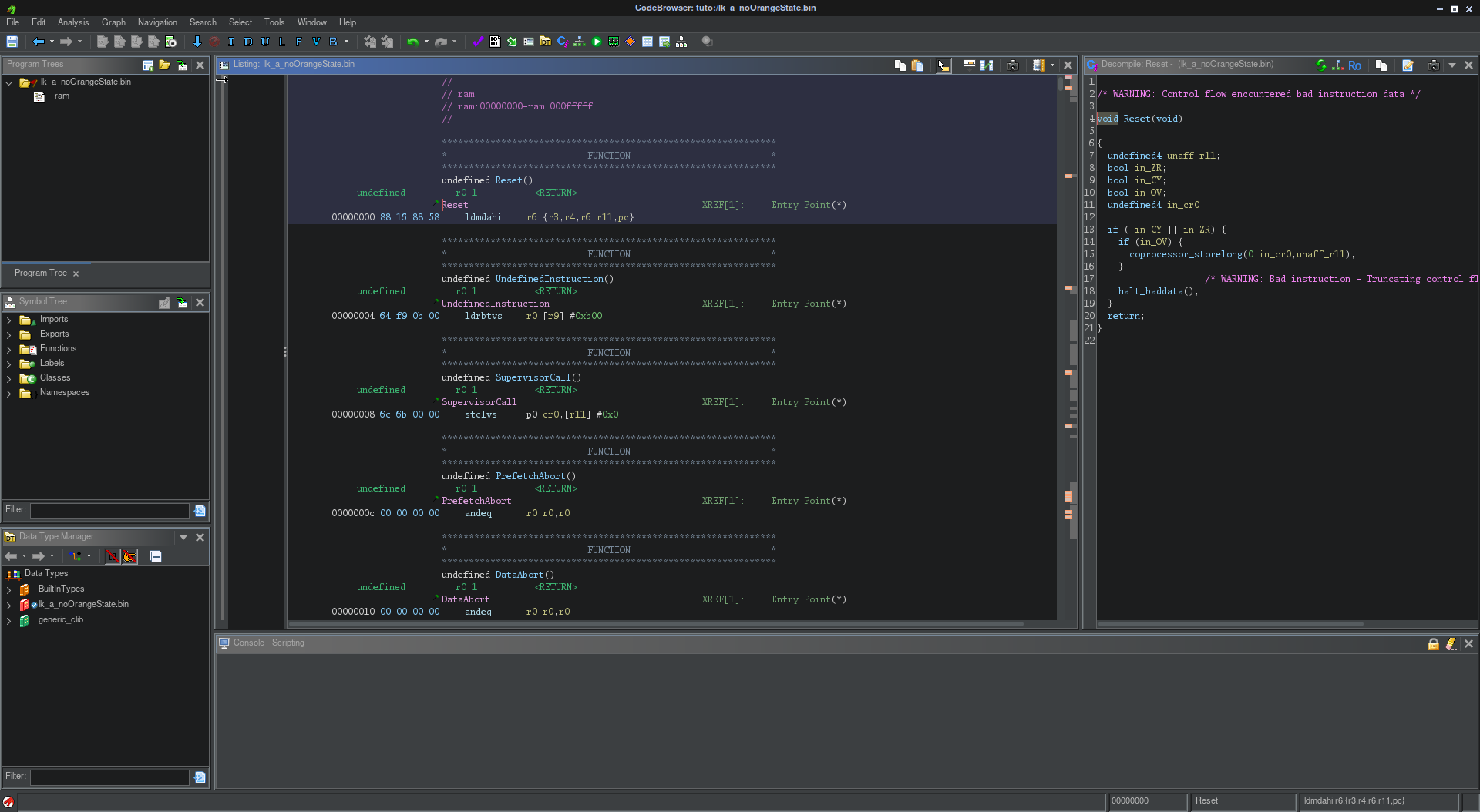
- Search --> for String
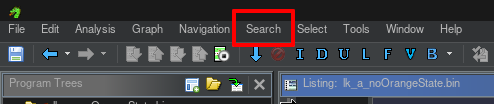
- continue with clicking on Search
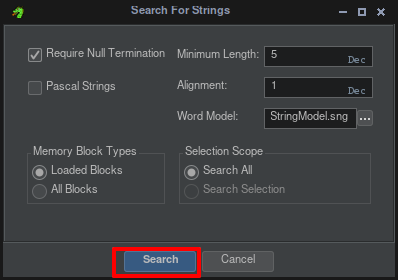
-
type "dm-verity corruption" on filter
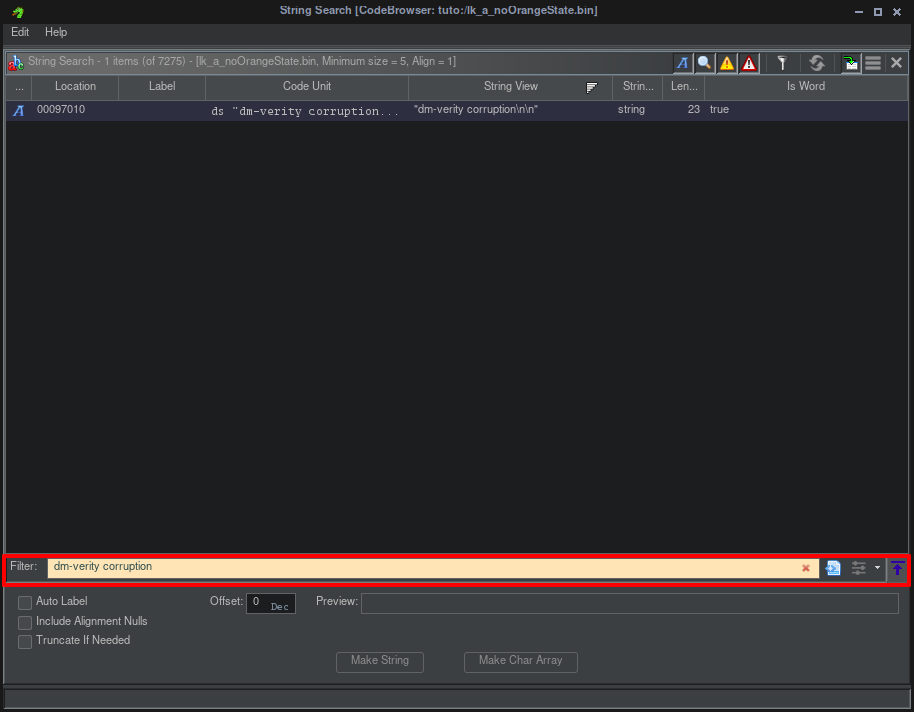
-
One final will find --> click on line find
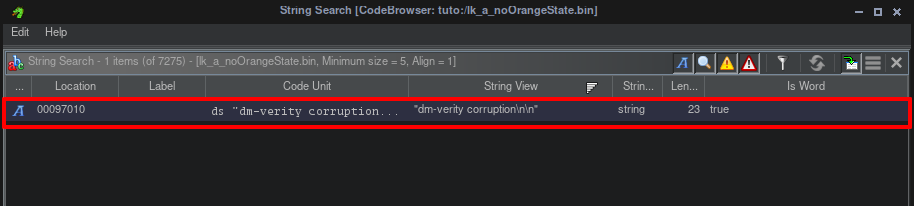
-
this will give
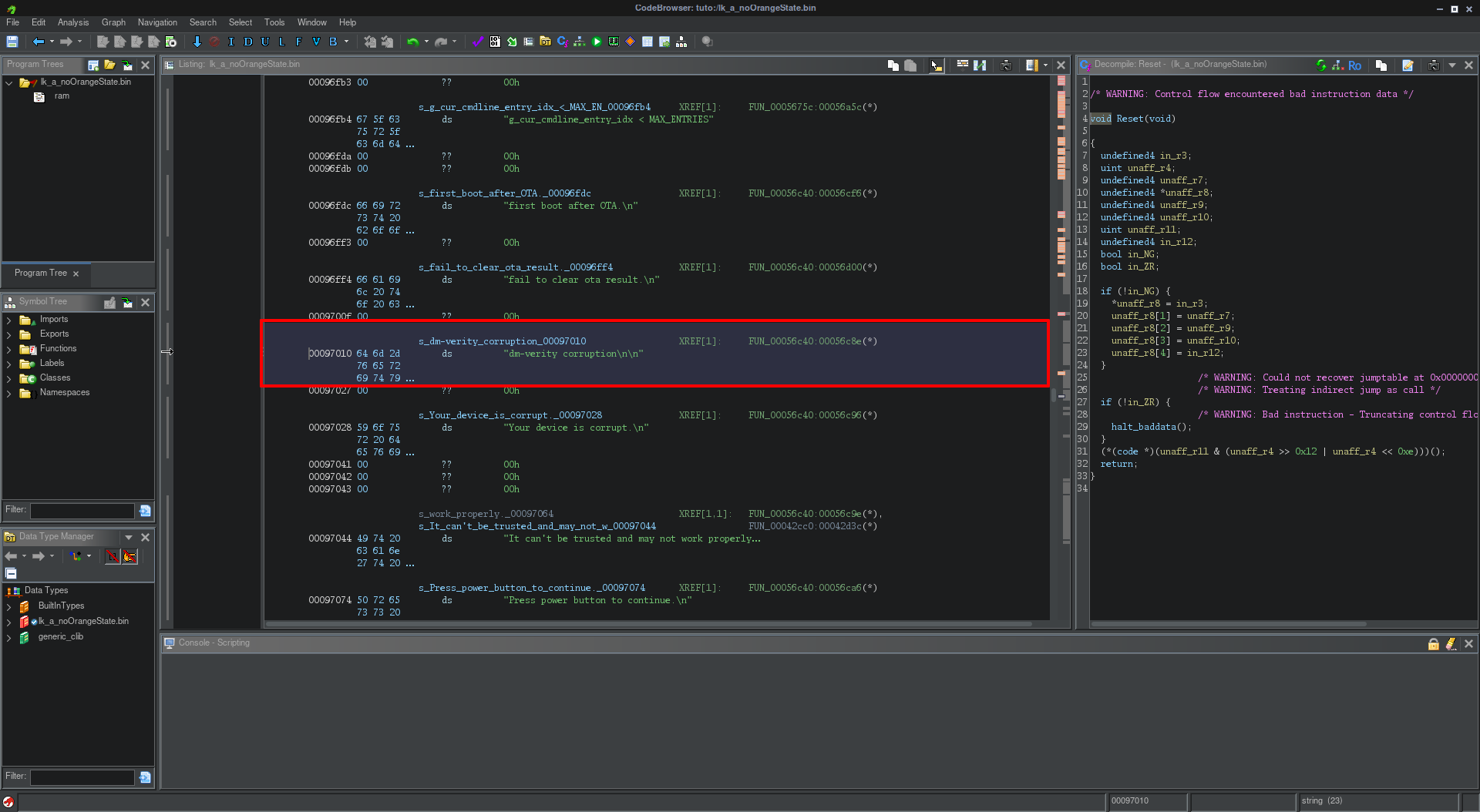
-
Go to the fonction who call the string "dm-verity corruption" with double click on hexa (FUN_00056c40:00056c8e)

-
This will give
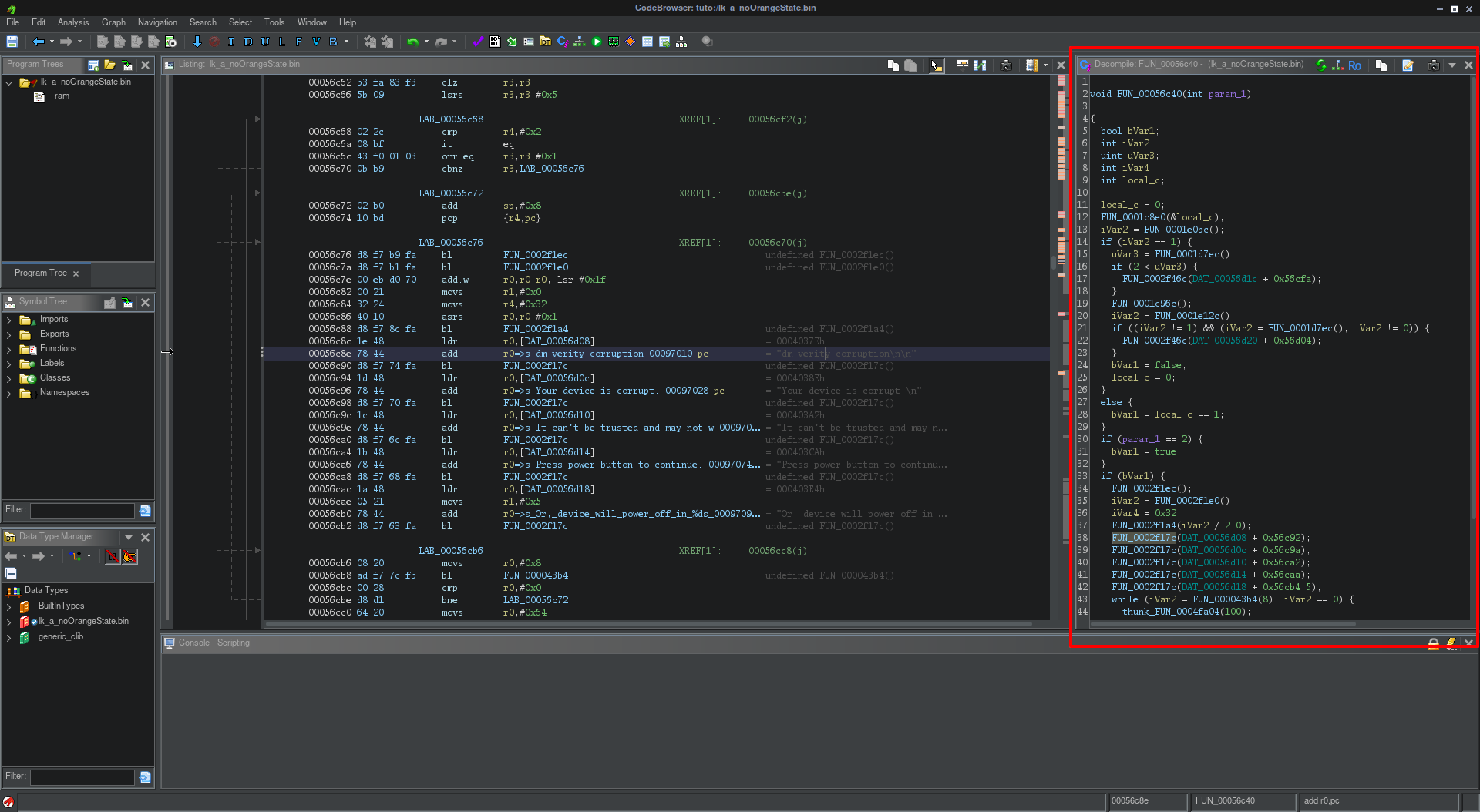
-
We get the fonction we need on right
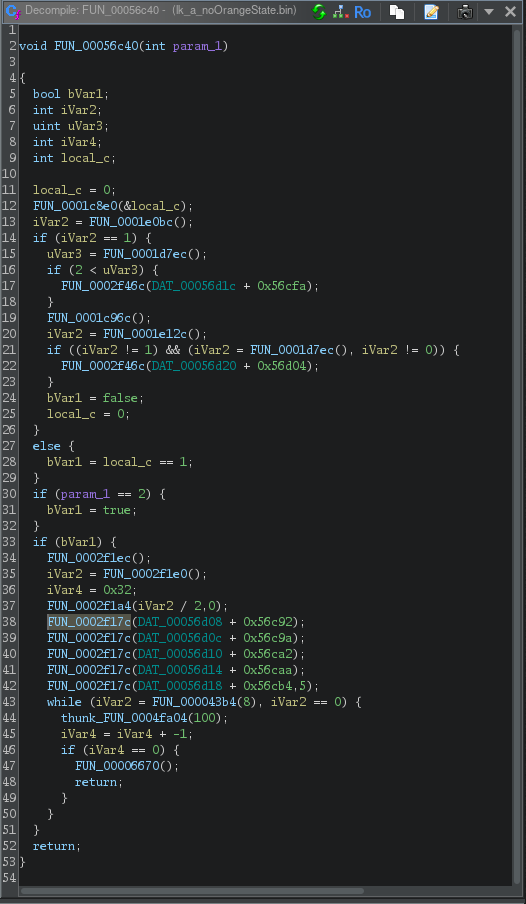
-
The fonction who call string dm-verity is highlighted

-
So weWe can understand if the boot not start correctly
the var  and give
so the first an green is if boot is corectly and an red if we got an error
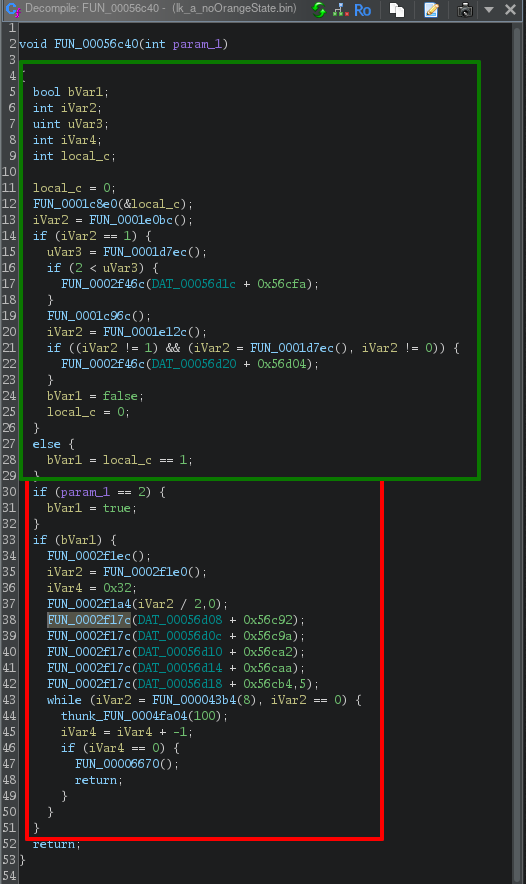
We therefore need to modify one of these variables so that it is no longer used in the function.
or
In the function, if we click on the desired variable, we move to the line where it is in the file.
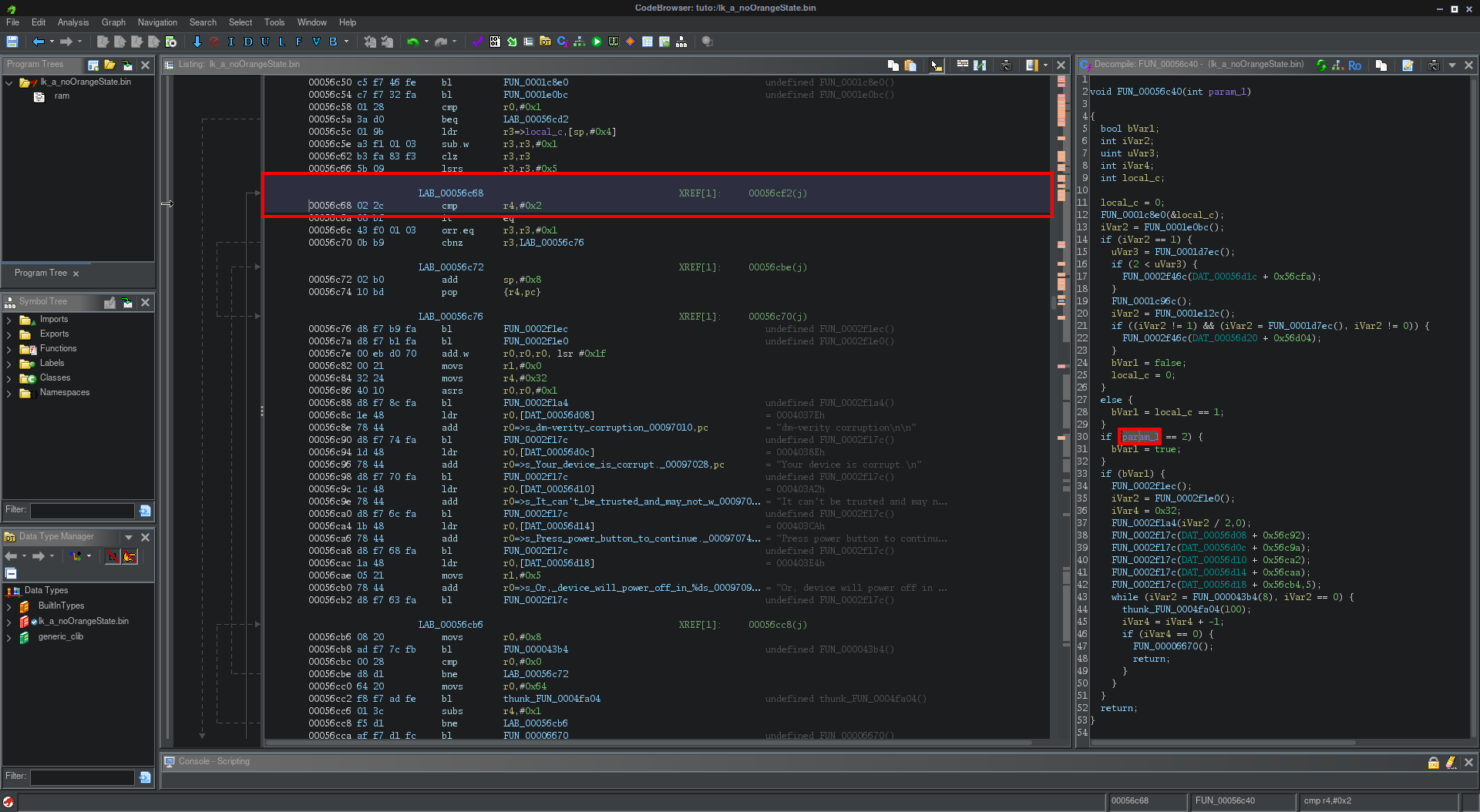
Right Click on line --> Patch instruction
Change value of condition

We can do like this

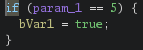
-
After this we can save file quit
For export with menu project
Right click on file --> select export
You can choose Format Original File
Find the warning string
https://github.com/R0rt1z2/lkpatcher
https://lkpatcher.r0rt1z2.com/
https://blog.r0rt1z2.com/patch-mediatek-bootloader-images-lk.html